Matter Technology in Home Automation
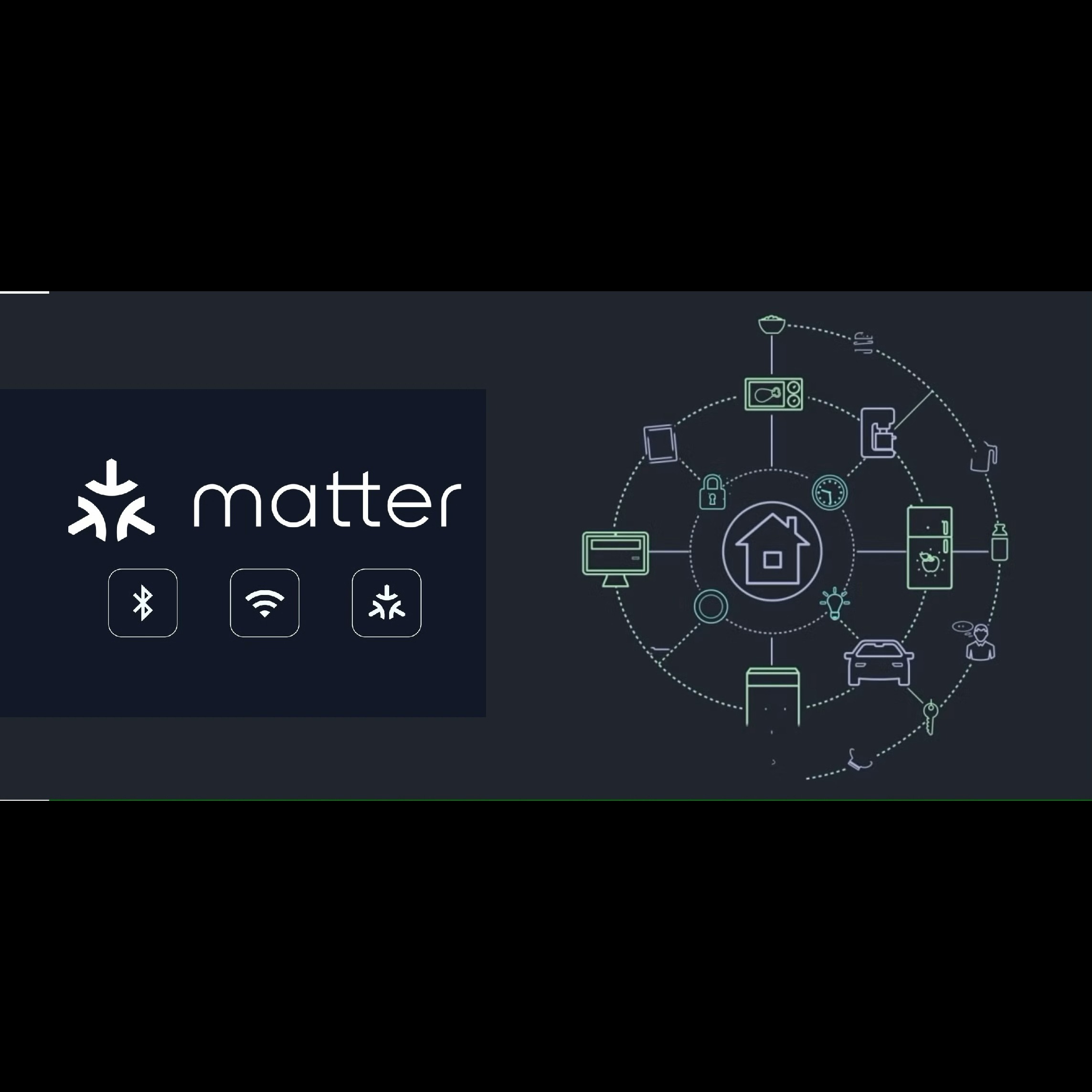
The Matter protocol, formerly known as Project CHIP
(Connected Home over IP), is a unified, open-source application-layer
connectivity standard for smart home devices. It aims to improve
interoperability between devices from different manufacturers, making it easier
for consumers to set up and control smart home ecosystems. Matter is backed by
major players in the tech industry, including Apple, Google, Amazon, and the
Connectivity Standards Alliance (CSA).
Automation with the Matter protocol involves leveraging its
standardized communication framework to create seamless, interoperable smart
home systems. Here\'s how you can approach automation using Matter:
1. Understand the Matter Protocol
- IP-Based
Communication: Matter uses IP (Internet Protocol) for communication,
enabling devices to connect over Wi-Fi, Ethernet, or Thread (a low-power
mesh networking protocol).
- Unified
Ecosystem: Matter ensures that devices from different brands can work
together without requiring proprietary hubs or bridges.
- Secure
by Design: Matter includes built-in security features like encryption
and device authentication to protect user data and privacy.
2. Key Components for Automation
- Matter-Compatible
Devices: Ensure your devices (e.g., lights, thermostats, sensors)
support the Matter protocol.
- Matter
Controller: A device (e.g., a smartphone, smart speaker, or hub) that
acts as the central control point for Matter devices.
- Automation
Platform: Use a platform like Apple HomeKit, Google Home, Amazon
Alexa, or SmartThings to create automation rules.
3. Setting Up Automation
- Step
1: Add Matter Devices
- Use
the Matter app or a compatible platform to onboard devices. This
typically involves scanning a QR code or entering a setup code.
- Step
2: Create Automation Rules
- Define
triggers (e.g., motion detected, time of day) and actions (e.g., turn on
lights, adjust thermostat).
- Example:
"If motion is detected in the living room after sunset, turn on the
lights."
- Step
3: Test and Optimize
- Test
your automation rules to ensure they work as expected. Adjust triggers,
conditions, and actions as needed.
4. Advanced Automation Features
- Multi-Admin
Support: Matter allows devices to be controlled by multiple ecosystems
simultaneously (e.g., Apple HomeKit and Google Home).
- Local
Execution: Many automations can run locally on the Matter controller,
reducing reliance on cloud services and improving response times.
- Interoperability:
Combine devices from different brands into a single automation workflow.
5. Examples of Automation Use Cases
- Lighting
Control: Automate lights to turn on/off based on occupancy or time of
day.
- Climate
Control: Adjust thermostats based on room occupancy or outdoor
temperature.
- Security:
Trigger alarms or notifications when sensors detect unusual activity.
- Energy
Efficiency: Automate devices to reduce power consumption during peak
hours.
6. Tools and Platforms for Matter Automation
- Apple
HomeKit: Use the Home app to create automations with Matter devices.
- Google
Home: Set up routines and automations via the Google Home app.
- Amazon
Alexa: Create routines using the Alexa app.
- SmartThings:
Use the SmartThings app for advanced automation scenarios.
- Open-Source
Platforms: Explore platforms like Home Assistant for custom automation
setups.
7. Challenges and Considerations
- Device
Compatibility: Ensure all devices in your ecosystem are
Matter-certified or compatible.
- Network
Reliability: A stable Wi-Fi or Thread network is essential for
seamless automation.
- Security:
Regularly update device firmware to address vulnerabilities.
8. Future of Matter Automation
- As
more devices adopt the Matter protocol, automation will become more
intuitive and widespread.
- Expect
enhanced features like AI-driven automation, predictive analytics, and
deeper integration with IoT ecosystems.
By leveraging the Matter protocol, you can create a robust,
interoperable, and secure smart home automation system that works seamlessly
across different brands and platforms.